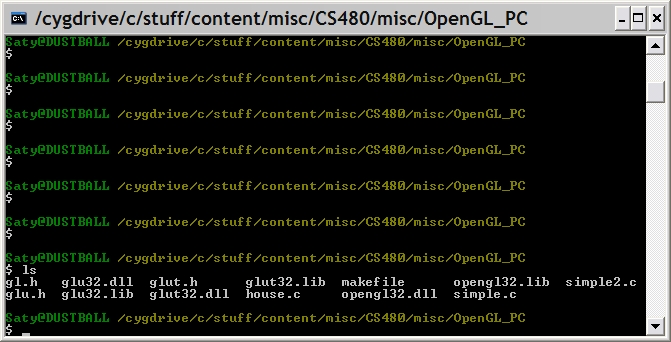
First, make sure have the three .h, .dll and .lib files that make up the OpenGL API.
Want to set up OpenGL on a Mac?! Follow the directions in this page..
Have a PC with Windows 2000? The OpenGL libraries that I provided earlier will not work on 2000 :( So use this version instead, it'll work (thanks to Charles Cao for bringing this to my attention and for verifying that the new download does work).
Here's what I did at the end of the class on 11/3/2004 to compile and run an OpenGL program using a 'bash' shell.
First, make sure have the three .h, .dll and .lib
files that make up the OpenGL API.
Few more tutorial links:

To compile house.c to obtain house.exe, do this on the 'bash' command line:
gcc -o house.exe -c house.c -I . glut32.dll glu32.lib opengl32.lib
-o house.exe specifies the name of the resulting binary, and -I . specifies
that the .h 'include' files reside in '.', ie the current directory.

Now you can run house.exe by typing this in the bash shell:
./house.exe
Press any key (other than Esc) to see the house rotate by 5 degrees
about the Y axis for each keypress.